Tool Recommendation: LazyGit
What?
Git is a project version control system. It's a fancy version of saving your work with different names so you can look at older versions. It keeps track of the history of your project and makes it easy to collaborate with others. It's the backbone of modern software development, and has found it's way into other industries too. Git is very important. Unfortunately, since Git does so much it's also very complex. It's hard to use the standard terminal interface.
The solution to this is to use one of the various Git frontends that exist. They reframe Git's complex systems into something that's easier to work with. There are many Git frontends, but my favourite is LazyGit
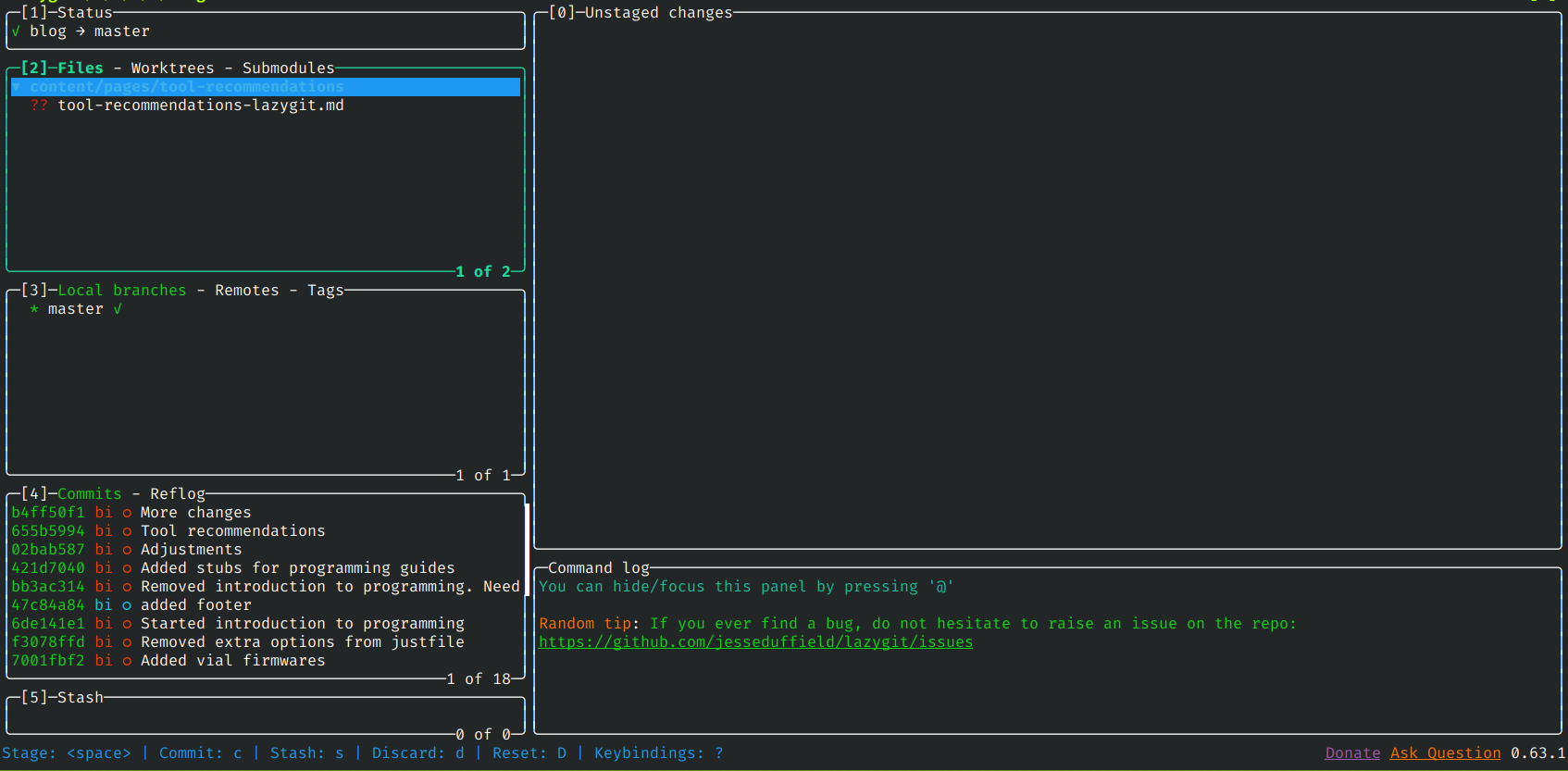
What makes LazyGit so good?
- Runs in the terminal, so anywhere you can run
gityou can runlazygit - Designed to do a lot with a few keypresses.
a, c, <message>, Pto select all changes, create a commit out of them and push to the server - Built-in help system so you don't have to remember every command
- Free (though consider donating to the author if LazyGit has helped you)
If you like using the terminal and you build your dev environment around it like I do, LazyGit seamlessly slots into your workflow. If you use a GUI code editor like VSCode, you can run LazyGit in it's terminal instead of relying on the built-in Git integration.
Personally I use LazyGit everywhere. It's easy rebasing and cherry-picking features have helped me a lot at work.
How do I get it?
LazyGit is available in Homebrew and nix. It's also available in most Linux package managers.